If you're trying to scan slides or negatives and they appear to have their colors reversed, the solution is easy!
This occurs when the scanner is set to the incorrect film type.
Normal Scan of a 35mm slide set to 35mm/135 slide

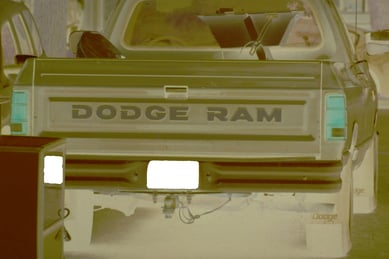
Scan of a 35mm slide when set to 35mm/135 negative
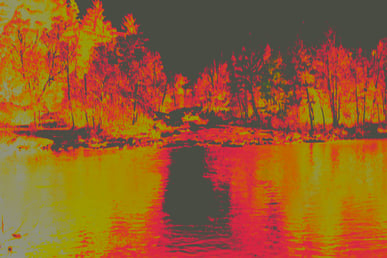
Normal scan of a 35mm negative when set to 35mm/135 negative
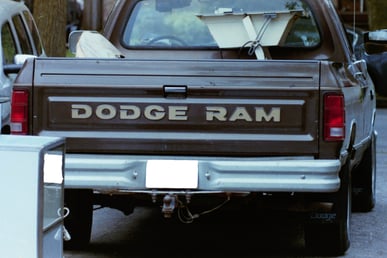
Scan of a 35mm negative when set to 35mm/135 slide
To correct this, follow these steps:
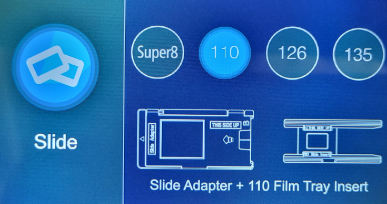
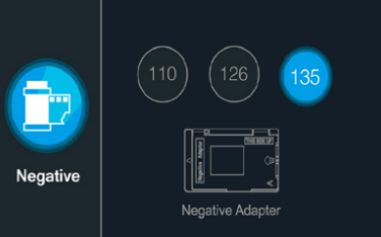
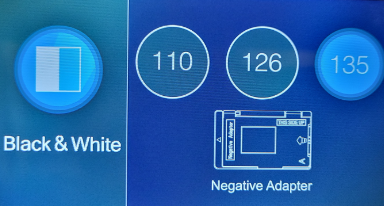
- In the Main Menu, select Film Type.
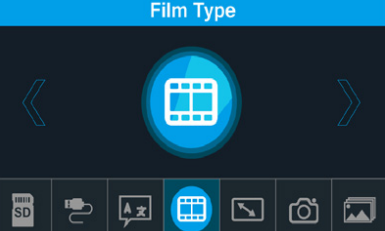
- Select what kind of film type you're scanning: Negative, Slide, Black and White.
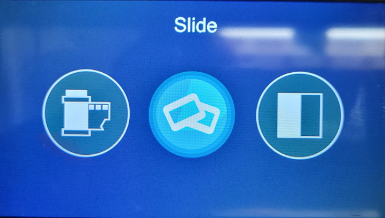
- Select the film or slide size.