WARNING: Formatting your SD card will delete all files stored on the SD card. Download your files from your SD card to your computer before formatting.
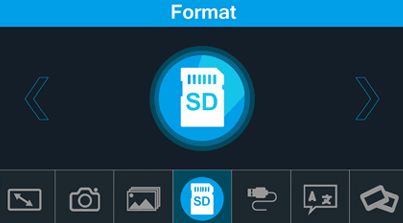
- In the main menu, go to Format press the OK button.
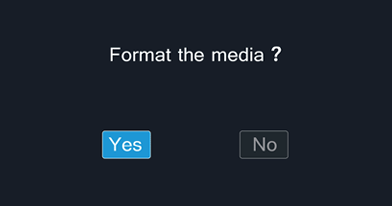
- When prompted if you would like to format the media, use the < button to choose “Yes”. Press the OK button to begin formatting the SD card.
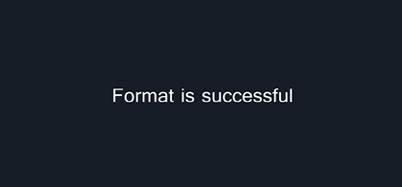
- You will receive a successful message once complete.