
HOW TO SET THE TIME ON YOUR CLOCK
-
Plug the clock into a wall outlet.
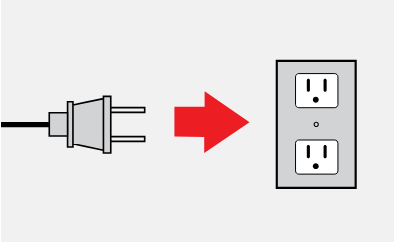
- The time will flash on the display.
- Press the hour (HR) and minute (MIN) buttons to adjust the clock to the current time. An LED will appear next to PM on the display after 12:00 PM.
- Press the SET TIME button to save your changes and set the time.
- To change the time on the clock after setting it for the first time, press and hold the SET TIME button until the display flashes, and repeat the above steps.
HOW TO SET THE ALARM ON YOUR CLOCK
-
Ensure the radio is off. If the radio is on, turn it off by pressing the AM/FM button.
-
Press and hold the Alarm 1 or Alarm 2 button for 2 seconds. The time will start flashing.
-
Use the HR and MIN buttons to change the alarm time.
- Press the Alarm 1 or Alarm 2 button to cycle through your alarm options - Buzzer > Radio > Off.
- Press SET TIME or wait 10 seconds to save your alarm settings.
- To silence your alarm press the AM/FM, Alarm 1, or Alarm 2 button.
HOW TO SET RADIO PRESETS ON YOUR CLOCK RADIO
You can store up to 10 FM, and 10 AM radio stations as presets in the memory of your clock.
-
Press the AM/FM button to turn the radio on.
-
Press and hold the AM/FM button to switch between AM and FM radio frequencies.
- Use the HR and MIN buttons to tune the radio to the desired station.
- Press and hold the SET button. P01 will flash on the screen.
- Use the HR and MIN buttons to cycle through the presets (P01 to P10).
- Once you reach the number you want to assign the station to, press SET, or wait 5 seconds for the flashing to stop. Repeat these steps for each station you want to save in a preset.
- To recall a preset station, press the SET button to toggle through the current preset radio stations.