
If you are receiving this message, it's likely the signal transmission has been disabled using the Signal button. To correct this, follow these steps:
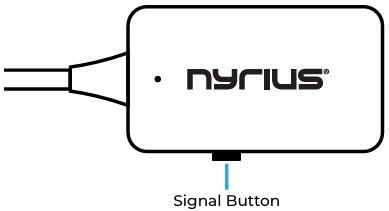
- Press the Signal Button on the transmitter unit.
- If the units still aren't communicating you may need to pair them manually.
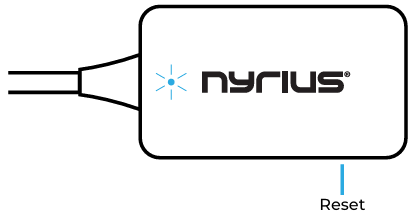
- Using a paperclip, or similar item, press and hold the pinhole Reset button on the Receiver for 5 secs. The LED will blink slowly when in pairing mode.
- Press and hold the Signal button on the Transmitter for 5 secs. The TV will display a "Success" message when pairing is complete.